

Learn how to make a YouTube channel on the phone step-by-step. Easy guide for beginners to create, customize, and grow your YouTube channel using mobile.
Want to start YouTube from your phone? Learn how to create a YouTube channel, go faceless, start gaming, and grow fast with this beginner-friendly guide.
To make a YouTube channel on your phone:
- Open the YouTube app and sign in with your Google account
- Tap your profile icon and select “Create a Channel”
- Enter your channel name and upload a profile picture
- Customize your channel details and settings
- Start uploading videos directly from your phone
This method works for Android, iPhone, and iPad users.
How to Make a YouTube Channel on Phone (Complete Beginner Guide)
Starting a YouTube channel has never been easier. If you’re wondering how to make a channel on YouTube on the phone, the good news is you don’t need a laptop or expensive equipment anymore.
With just your smartphone, you can create, customize, and grow a successful YouTube channel from anywhere.
In this guide, you’ll learn everything — from creating your channel to starting different types like gaming or faceless channels.
Why Start a YouTube Channel in 2026?
YouTube is one of the biggest platforms for creators.


Benefits of Starting a Channel:
- Earn money through ads and sponsorships
- Build a personal brand
- Share your skills and knowledge
- Work from anywhere
- Grow a global audience
How to Make a Channel on YouTube on Phone (Step-by-Step)
If you’re asking how to make a YouTube channel on your phone, follow these steps:
Step-by-Step Guide:
- Download and open the YouTube app
- Sign in with your Google account
- Tap on your profile icon
- Click “Create a Channel”
- Enter your channel name
- Add profile picture and banner
- Tap “Create”
That’s it — your channel is live!
How to Make a YouTube Channel from Your Phone (Pro Setup)
After creating your channel, optimize it properly.
Important Setup Steps:
- Add channel description (use keywords)
- Upload a professional logo
- Create channel banner
- Add social media links
- Verify your account
How to Make a Second Channel on YouTube on Phone
Want multiple channels? Here’s how:
Steps:
- Go to settings
- Tap “Your Channel”
- Select “Add or Manage Channels”
- Click “Create New Channel”
- Enter new name
Useful for different niches.
How to Make a Faceless YouTube Channel
Faceless channels are trending in the USA.

Popular Faceless Channel Ideas:
- Motivation videos
- AI voice content
- Facts and storytelling
- Animation videos
- Stock footage videos
Tools You Can Use:
- AI voice generators
- Video editing apps
- Stock video websites
How to Make a Gaming YouTube Channel
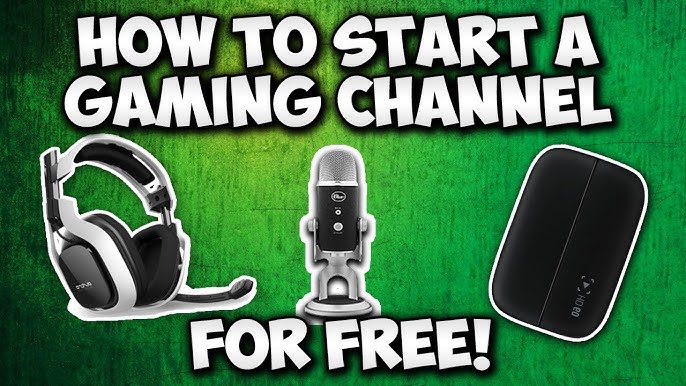
Gaming is one of the highest-earning niches.
Steps:
- Choose a game niche (PUBG, GTA, Minecraft)
- Record gameplay using screen recorder
- Add commentary or voiceover
- Edit videos professionally
- Upload consistently
How to Make a YouTube Channel for Kids
If you want to create a kids channel:
Important Points:
- Enable “Made for Kids” setting
- Avoid harmful content
- Follow YouTube policies
- Create educational or fun videos
How to Make a YouTube Channel on iPad
The process is almost the same.
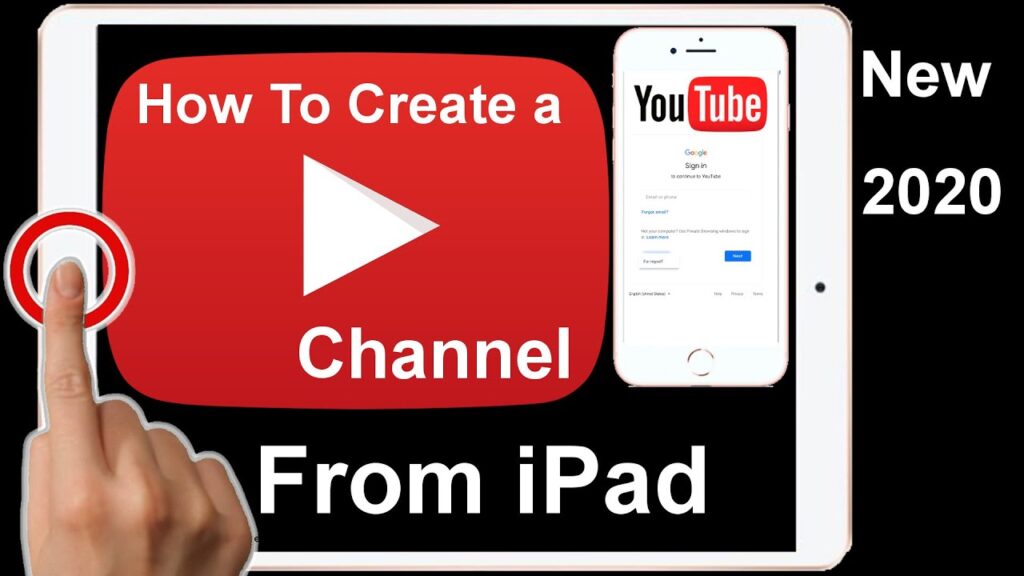
Steps:
- Open YouTube app on iPad
- Sign in
- Tap profile → Create Channel
- Customize details
Works exactly like mobile.
How to Make a QR Code for My YouTube Channel
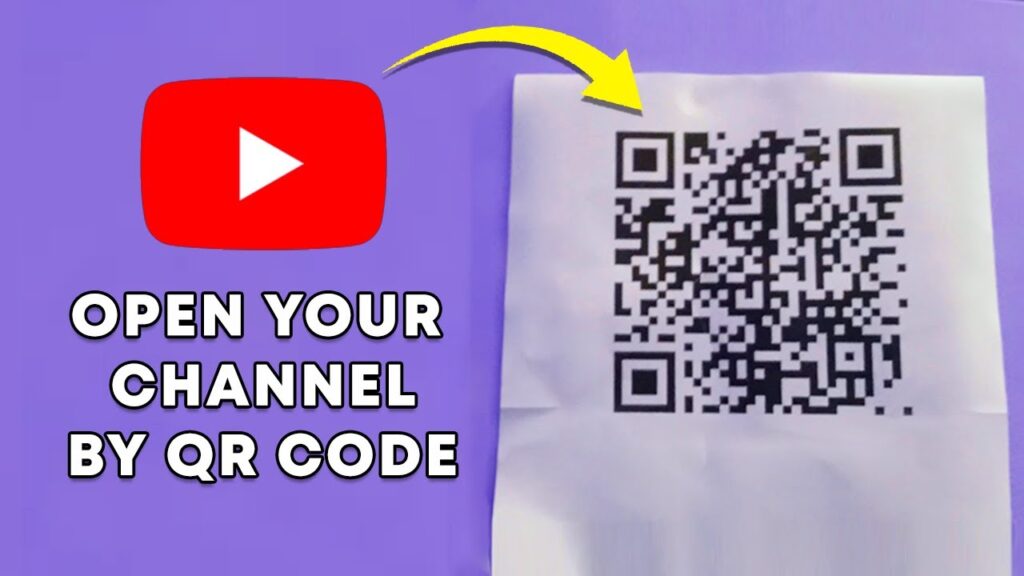
QR codes help promote your channel.
Steps:
- Copy your channel link
- Use free QR code generator
- Paste link
- Download QR code
Share it on posters, cards, or social media.
How to See How Much a YouTube Channel Makes
Curious about earnings?
Ways to Check:
- Use tools like SocialBlade
- Check CPM estimates
- Analyze views and engagement
Also Read How to Jump Start a Car: A Complete Step by Step Guide for Every Driver
Income depends on niche, views, and audience location
Best Tips to Grow Your YouTube Channel Fast
Growth Tips:
- Upload consistently
- Use SEO keywords in titles
- Create eye-catching thumbnails
- Focus on watch time
- Engage with audience
Common Mistakes to Avoid
Avoid These:
- Inconsistent uploads
- Poor video quality
- Ignoring SEO
- Copying content
- Not engaging audience
Quick Summary
- You can create a YouTube channel using your phone easily
- Use a Google account to sign up
- Optimize your channel after creation
- Choose a niche (gaming, faceless, kids, etc.)
- Stay consistent and follow SEO strategies
Final Thoughts
Learning how to make a YouTube channel on phone is the first step toward building an online presence.
With the right strategy, consistency, and creativity, you can turn your channel into a powerful income source.
Start today — your future audience is waiting