


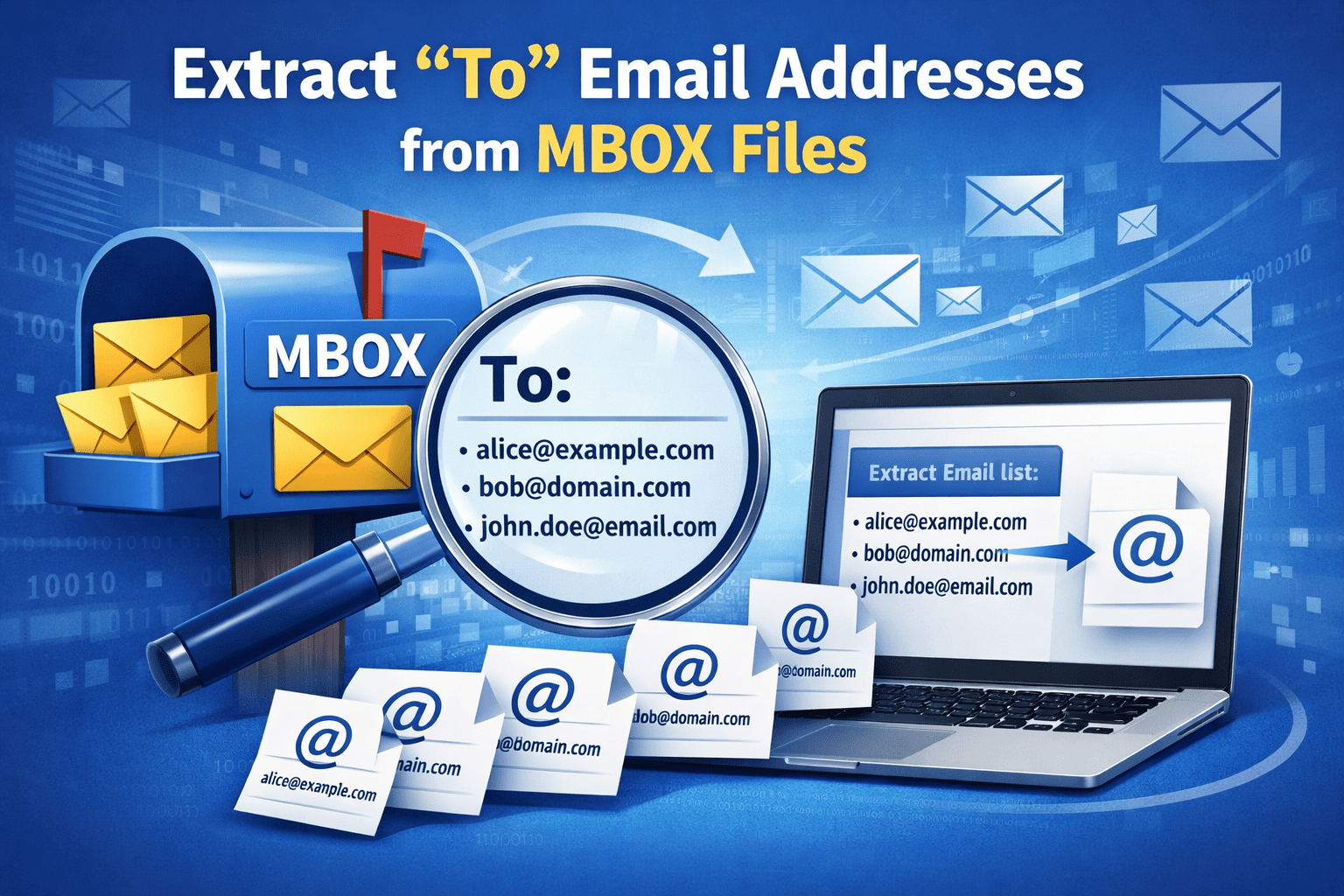
Summary: In this tutorial, we will be explaining various factors that led users to extract To email addresses from MBOX files. Further discuss manual & professional solutions to quickly perform the email extraction process.
Many email applications, such as Thunderbird, Apple Mail, use the MBOX files to work with large numbers of emails and then convert into a single file. What does a single file contain? Let me tell you, it basically contains various emails or characters sent from one recipient to another including the subject, and message box.
But, actually users mostly want to extract “To” email addresses from them. This can be helpful if you are making reports, keeping your contacts in one place, or meeting certain compliance standards.
Unfortunately, when your number of emails increases, it becomes hard to manually search and copy the email address of recipients.
Also Read: Extract Email Addresses From Gmail
What Does “To” Refer to in an MBOX File?
Each email has its common structure which includes From, To, Cc, Bcc, Date, and Subject kind of attributes. It indicates where it comes, what it is all about, date, and other factors.
When emails are there in MBOX file:
- The “To” addresses are located in the email headers
- They are difficult to find at raw in the MBOX file
- It’s a lot of work to manually retrieve them from thousands of emails and that too also leads to potential errors.
As a result of this, many users want simple and trustful solutions to extract only “To” email addresses from MBOX files.
Reasons to Extract “To” Email Addresses From MBOX Files
Before going out with the methods, let’s know few points about email extraction process:
- Many companies wants email recipient detail in particular
- Emails that come from any marketing teams is to build contact lists or to see details
- Before shifting emails to another system, admins used to copy “To” email address to verify the recipients
- Extract these addresses to avoid repeated or inactive email IDs and make a new list
- To get specific emails data for security purposes
Manual Methods to Extract To Email Addresses From MBOX Files
There are various ways to extract email IDs from the To field. But, remember you should have little knowledge of technical steps.
#1. Extract “To” Address From Thunderbird Client
Mozilla Thunderbird can read MBOX files, and display the details of the mails.
- Firstly, install Mozilla Thunderbird into your system
- Import MBOX file through ImportExportTools add on extension which is made for Thunderbird import
- After that open emails one by one
- View the email headers/source
- To copy “To” email addresses now have to be done manually
- Copy and paste it into your desired text file or in CSV
Pros:
- Free to operate
- No extra software needed
Cons:
- Takes longer time
- No way to pull the addresses all at once
- Chances of emails not sending to or copying the same address twice
- Not suitable for big MBOX files
#2. Extract Using Text Editors – For Technical Users
MBOX files are your text files. If you want, you can open it using text editors like Notepad++.
- The MBOX file opened in a text editor
- Look for lines that begin with To:
- Copy the email addresses manually
- Now, organize it properly the IDs which you have copied
Pros:
- No email app required
- Works without internet
Cons:
- Not easy to use
- You need to be careful while using it
- Difficult to send it to more than one person.
- Not the first option for non-tech users
Reasons Not to Choose Manual Steps
While manual methods are free to use, users tend to go with this method. But, they are not that effective in various cases. Like it cannot handle:
- Large MBOX size
- Multiple Mailboxes at same time
- There is no duplicate filtering of email IDs
- No structured layout
- Takes more time & lack in accuracy
Considering all these above points, you will need a professional tool.
Secure Way to Extract Email IDs from MBOX Files
If you are searching for an easy way to extract email addresses from To Fields, then download SysTools MBOX Email Address Extractor that is capable of extracting email IDs from Single folder to multiple formats. There will be no kind of data loss without changing the source data. It has the features to extract from particular fields whichever you want like To, From, CC, and Bcc. Tool majorly supports all Windows & Mac versions, and even support MBOX related applications.
Final Note
Users extract To email addresses from MBOX files in order to check the emails, verify data, move out old emails or to create a contact list. To do all this, taking help of manual steps is not suitable for multiple emails. The primary reason would be the time taking factor and also lead to errors. If you want an easy and simple way, using our advanced solution will be a better option. It’s more of a time and energy saver that can easily manage your email IDs.


